Use GroupDocs.Redaction for Java in Java apps to hide or remove sensitive parts of your slides.
- Create a new Redactor with your slide deck path.
- Define your redaction preferences.
- Set text pattern and overlay color.
- Run and save the redacted file.
Use GroupDocs.Redaction for Java in Java apps to hide or remove sensitive parts of your slides.
// Overlay text areas in POWERPOINT

// Open the file with Redactor
final Redactor redactor = new Redactor("input.pptx");
try
{
    // Adjust redaction settings
    // Enter text and choose overlay color
    ReplacementOptions opt = new ReplacementOptions(java.awt.Color.RED);

    ExactPhraseRedaction redaction = new ExactPhraseRedaction("Text to hide", opt);

    // Redact and save the updated file
    redactor.apply(redaction);
    redactor.save();
}
finally { redactor.close(); }
<dependencies>
<dependency>
<groupId>com.groupdocs</groupId>
<artifactId>groupdocs-redaction</artifactId>
<version>24.6</version>
</dependency>
</dependencies>
<repositories>
<repository>
<id>repository.groupdocs.com</id>
<name>GroupDocs Repository</name>
<url>https://repository.groupdocs.com/repo/</url>
</repository>
</repositories>
GroupDocs.Redaction for Java makes it easy to block or remove content from slides, no matter the use case.
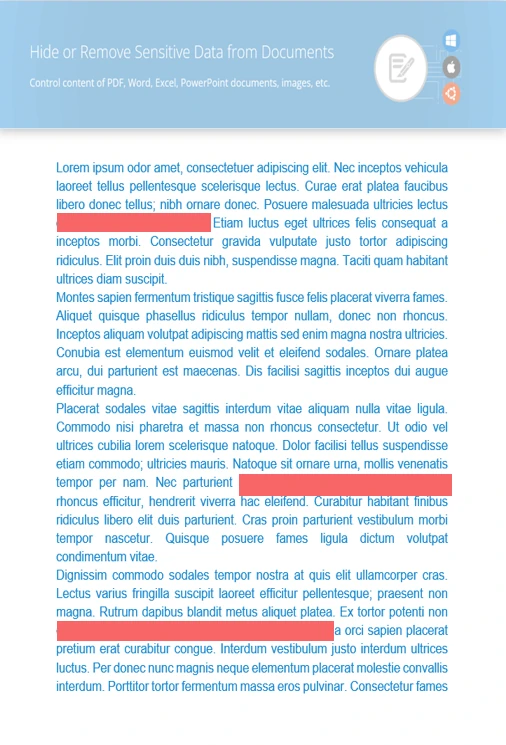
Protect sensitive phrases or labels on any slide.
Add overlays to selected slide areas or images.
Wipe slide metadata or revision notes before sharing.
// Load the slide deck
final Redactor redactor = new Redactor("source.pptx");
try
{
// Apply your regex rules
ReplacementOptions repl_opt = new ReplacementOptions(java.awt.Color.BLUE);
RegexRedaction redaction = new RegexRedaction("\\d{2}\\s*\\d{2}[^\\d]*\\d{6}", repl_opt);
// Run redaction
redactor.apply(redaction);
// Save the final version
SaveOptions saveOptions = new SaveOptions();
saveOptions.setAddSuffix(true);
saveOptions.setRasterizeToPDF(false);
redactor.save(saveOptions);
}
finally { redactor.close(); }
<dependencies>
<dependency>
<groupId>com.groupdocs</groupId>
<artifactId>groupdocs-redaction</artifactId>
<version>24.6</version>
</dependency>
</dependencies>
<repositories>
<repository>
<id>repository.groupdocs.com</id>
<name>GroupDocs Repository</name>
<url>https://repository.groupdocs.com/repo/</url>
</repository>
</repositories>

Download GroupDocs.Redaction for free or get a trial license for full access!
Explore documentation, code samples, and community support to enhance your experience.
Use overlay redaction and cleanup tools from Java to keep your POWERPOINT slides private.


