Use GroupDocs.Redaction to quickly secure document metadata in your .NET apps.
- Create a Redactor instance and load your Pdf file.
- Set up redaction to remove all hidden metadata.
- Apply the redaction to clean the document.
- Save the updated file.
Use GroupDocs.Redaction to quickly secure document metadata in your .NET apps.
// Erase metadata from PDF files

// Load the file with Redactor
using (Redactor redactor  = new Redactor("input.pdf"))
{
    // Configure metadata removal redaction
    var redaction = new EraseMetadataRedaction(MetadataFilters.All);

    // Apply changes and save the file
    redactor.Apply(redaction);
    redactor.Save();
}
GroupDocs.Redaction for .NET helps you hide or erase confidential content in various file formats. Keep private data safe while keeping documents clear and professional.
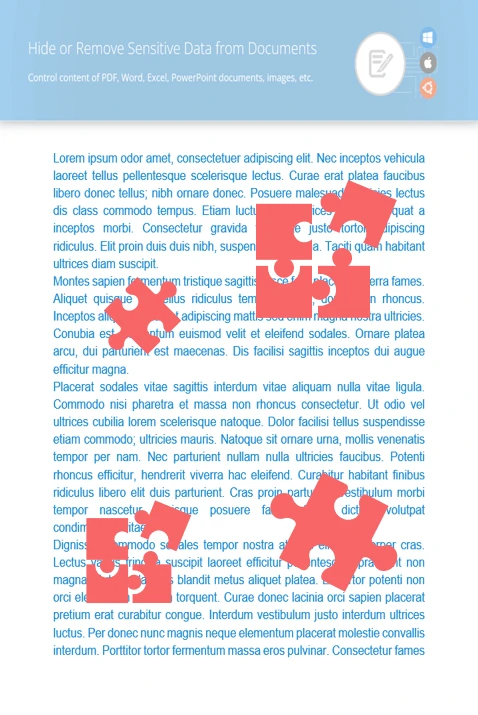
Search for sensitive text in your documents and replace or remove it to protect privacy.
Add overlays to images or specific areas to cover sensitive visuals.
Delete or edit hidden metadata to prevent unwanted data leaks.
//  Load the PDF file into the redactor
using (Redactor redactor  = new Redactor("source.pdf"))
{
    // Set up redaction for the Author property
    MetadataSearchRedaction redactionAuthor =
        new MetadataSearchRedaction(@"[A-Za-z0-9 ]+", "GroupDocs Company")
    {
        Filter = MetadataFilters.Author
    };

    // Set up redaction for the Title property
    MetadataSearchRedaction redactionTitle =
        new MetadataSearchRedaction(@"[A-Za-z0-9 ]+", "GroupDocs.Redaction Usage")
    {
        Filter = MetadataFilters.Title
    };

    // Run redaction on the document
    var redactions = new MetadataSearchRedaction[] { redactionAuthor, redactionTitle };
    redactor.Apply(redactions);

    // Save the cleaned file
    var saveOptions = new SaveOptions() { AddSuffix = true, RasterizeToPDF = false };
    var outputPath = redactor.Save(saveOptions);
}

Download GroupDocs.Redaction for free or get a trial license for full access!
Explore documentation, code samples, and community support to enhance your experience.
Use .NET to erase hidden data from PDF files. A simple and effective way to secure sensitive information in your documents.


